USB first, Wi-Fi capable
USB accessory transport avoids the usual wireless noise. Wi-Fi remains available for desks where cable-free matters more than the lowest possible delay.
Linux host. Android display. Real input.
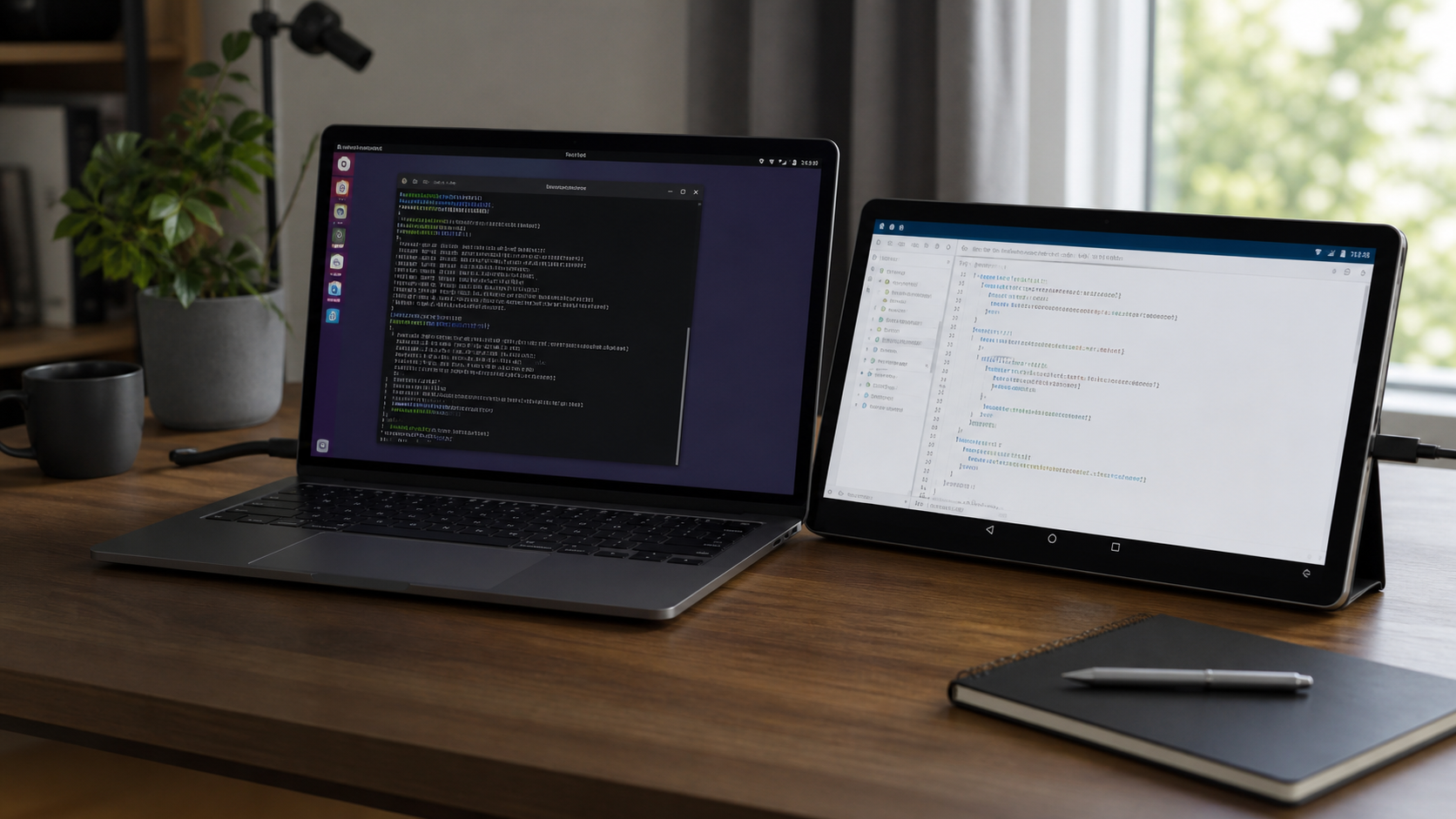
Use an Android tablet or phone as a second Linux monitor with touch and stylus input mapped back to the desktop. USB is the cleanest path; Wi-Fi is there when the cable should stay in the bag.
Current Linux host: 0.1.160. User-local install, SHA256-verified updates, rollback support.
What it actually does
Creates an EVDI-backed virtual monitor, then asks the active desktop stack to place it like a normal Linux output.
Captures the virtual display, encodes H.264 or HEVC, and decodes on Android with MediaCodec directly onto a SurfaceView.
Sends touch, stylus, pointer, and keyboard-style events back through the host input path with display-aware coordinate mapping.
Per-device profiles tune width, refresh rate, scale, latency threshold, bitrate, encoder preset, codec, and extend or mirror mode.
MoreSpace keeps the stream responsive by dropping work before it becomes stale. When the sender is backed up, the daemon skips raw frames before encoding rather than wasting CPU or GPU time on frames the Android device will never see in time.
USB accessory transport avoids the usual wireless noise. Wi-Fi remains available for desks where cable-free matters more than the lowest possible delay.
The host can use hardware encoding, but it also detects broken hardware encoder behavior and falls back to libopenh264 without forcing a full setup restart.
Commands such as morespace client quality, client hz, and client latency let you match the stream to the tablet, GPU, cable, and network you actually have.
Linux desktops do not expose outputs through one universal interface. MoreSpace detects the active session and uses the matching control path instead of treating GNOME, Plasma, wlroots, niri, and X11 as the same problem.
Uses Mutter display configuration paths and includes GNOME-specific input mapping for touch and tablet devices.
Uses KScreen tooling, staged reapply logic, geometry parsing, and Plasma containment sync where the desktop needs it.
Uses wlr-randr-style output control and compositor-specific virtual input mapping where those sessions expose it.
Handles niri runtime config and classic xrandr sessions, with mirror mode depending on what the active desktop exposes.
The host AppImage installs the launcher, daemon, desktop entry, logs, update state, and user service under your user account. Updates verify the downloaded SHA256 and keep a previous version available for rollback.
./MoreSpace-x86_64.AppImage installSets up the CLI and daemon without making normal run, stop, update, or rollback operations depend on sudo.
morespace infoReports the detected display protocol, compositor/backend, configured display profile, and encoder status.
morespace rollbackSwitches back to the previous daemon AppImage if a new host build does not behave well on your system.
Start here
MoreSpace is easiest to judge on your own machine: connect the device, apply the recommended profile, and tune from there if your tablet, desktop, GPU, or network needs it.
Different kernels, compositors, GPUs, cables, tablets, Secure Boot settings, and Wi-Fi networks can change the result. The project exposes the knobs and diagnostics needed to make those differences visible.